Laser Cut Design Bundle: Creative Possibilities
Whether you're a DIY enthusiast, a small business owner, or a digital designer, a Laser Cut Design Bundle opens up a world of creative and practical opportunities. This versatile collection of design files gives you the tools to bring your ideas to life across multiple platforms and materials. From crafting to commercial branding, the bundle supports a wide range of applications that can elevate both personal and professional projects.
What Is a Laser Cut Design Bundle?
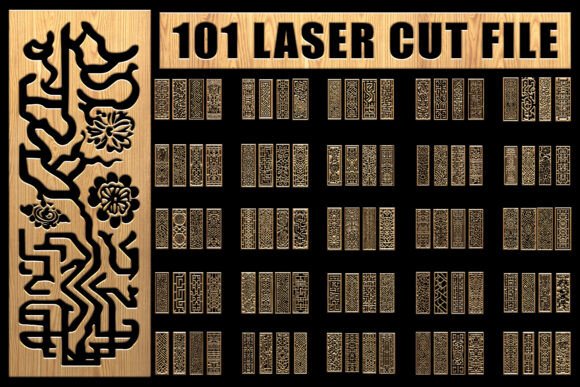
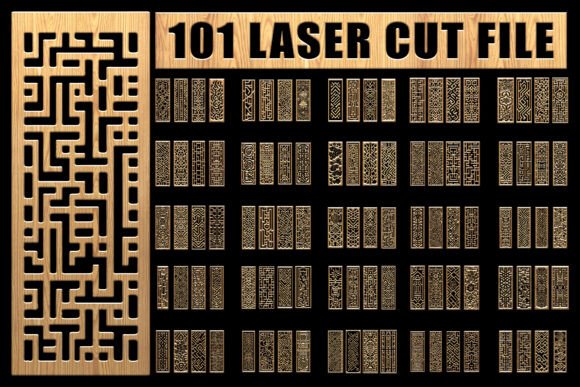
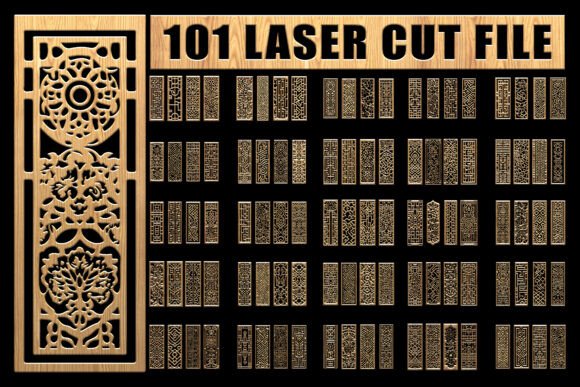
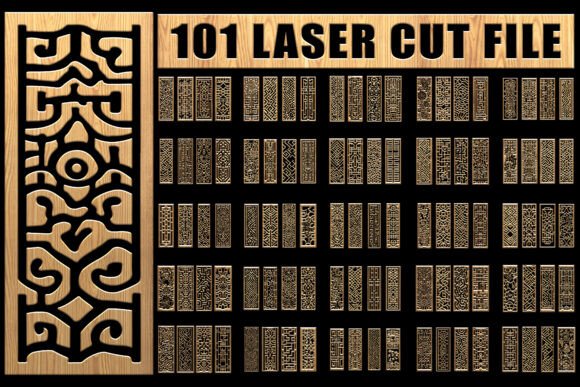
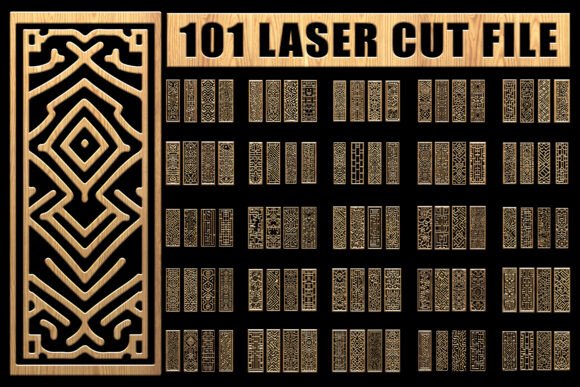
A Laser Cut Design Bundle is a set of digital design files created specifically for laser cutting, engraving, and other crafting or design uses. It typically includes multiple file formats—like SVG, EPS, PNG, and JPG—so users can work with different software and cutting machines. Each bundle usually contains over 100 unique designs, all built on a consistent artboard size of 3200 x 7200 pixels, ensuring high-quality output regardless of the project scale.
Who Benefits From This Design Bundle?
- Beginners looking to explore laser cutting or digital design without starting from scratch.
- Crafters who enjoy making personalized cards, stencils, or home décor items.
- Entrepreneurs creating custom products for sale, such as engraved gifts or branded merchandise.
- Designers who need scalable, editable artwork for digital or print use.
- Educators teaching digital design or fabrication techniques in classrooms or workshops.
Key Features That Make a Difference
Each Laser Cut Design Bundle includes over 100 files in four formats:
- SVG for compatibility with cutting machines like Cricut and Silhouette.
- EPS for professional design software like Adobe Illustrator.
- PNG with transparent backgrounds for digital overlays or print use.
- JPG for general-purpose images that work in both print and digital formats.
Where Can You Use These Designs?
The flexibility of a Laser Cut Design Bundle makes it ideal for use in many creative and professional settings. Here are a few popular applications:
Laser Cutting & Engraving
Whether you're working with wood, acrylic, leather, or metal, these designs are optimized for laser cutting and engraving. You can create wall art, custom coasters, intricate ornaments, or personalized signage. The high-resolution files ensure clean, precise cuts and detailed engravings every time.
Crafting & DIY Projects
For scrapbooking, card-making, gift wrapping, or stencil projects, the designs in the bundle provide a polished, professional look without the effort of drawing from scratch. Beginners can easily import SVG files into their cutting machines and start crafting right away.
Apparel & Textile Design
If you're into fabric printing or embroidery, these vector-based designs can be resized and adapted for t-shirts, tote bags, and more. The clean lines and scalable nature of SVG and EPS files make them ideal for textile applications.
Vinyl Sticker & Decal Making
Designing custom stickers, decals, or signage is simple with the included SVG and PNG files. Whether for a car window, laptop, or storefront window, the transparent backgrounds in the PNG versions make it easy to layer and apply designs digitally or physically.
Business Branding & Marketing
Entrepreneurs and small business owners can use these designs to create branded materials like invitations, packaging elements, or promotional gifts. With editable EPS files, you can customize colors and elements to match your brand identity seamlessly.
Web & Digital Design
From social media templates to presentation backgrounds, the high-resolution PNG and JPG files can be used directly in digital layouts. Their transparent backgrounds make them especially useful for overlay graphics, icons, or decorative elements in website design.
Getting Started: What to Consider
Before diving into your Laser Cut Design Bundle, consider the tools and materials you'll be using:
- Software compatibility – Make sure your design software supports SVG or EPS files (like Adobe Illustrator, Inkscape, or Cricut Design Space).
- Machine type – If you're using a cutting machine, check if the file format is supported by your device (e.g., Cricut, Silhouette, Glowforge).
- Material choice – Different materials require different laser settings. Test with scrap material before final production.
- Scaling – Vector files (SVG and EPS) can be resized without quality loss, but raster images (JPG and PNG) may pixelate if stretched too far.
Why This Bundle Stands Out
Unlike generic design packs, a Laser Cut Design Bundle is tailored for both laser cutting and creative crafting. It offers a large variety of editable, high-quality files that work across different mediums. Whether you're creating a one-of-a-kind gift or building a product line for your small business, this bundle gives you the flexibility and scalability you need to succeed.
Final Thoughts
A Laser Cut Design Bundle is more than just a collection of images—it's a toolkit that empowers creativity and efficiency. Whether you're a hobbyist or a professional, it simplifies the design process and expands your creative possibilities. With the right tools and a little imagination, you can turn these digital files into beautiful, functional, and marketable creations.