Laser Cut Design Set: Creative Power with Practical Pitfalls to Avoid
Understanding the Value of a Laser Cut Design Set
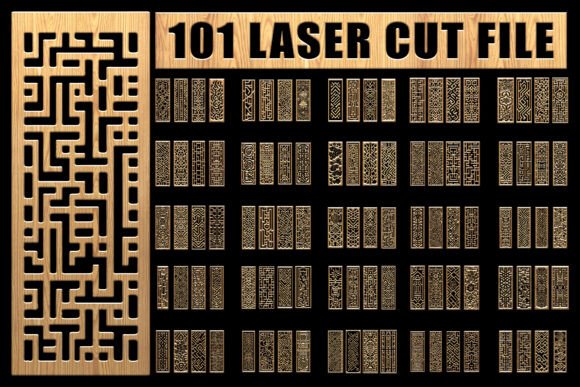
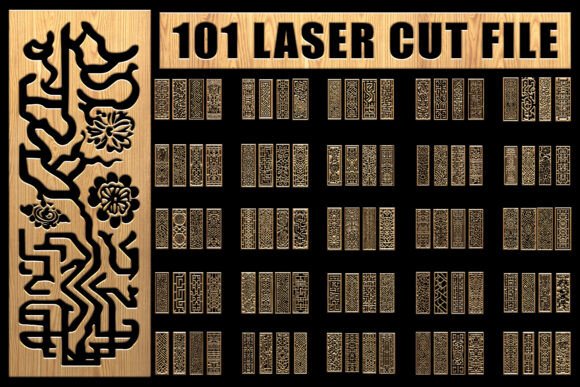
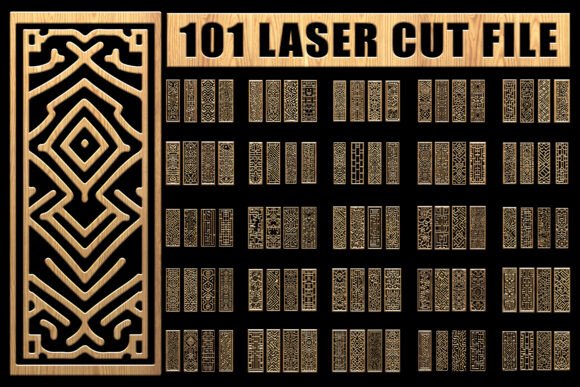
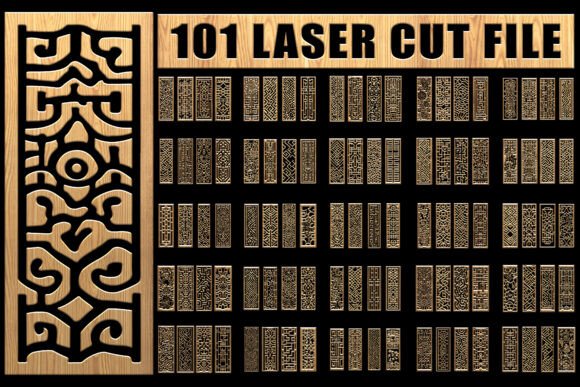
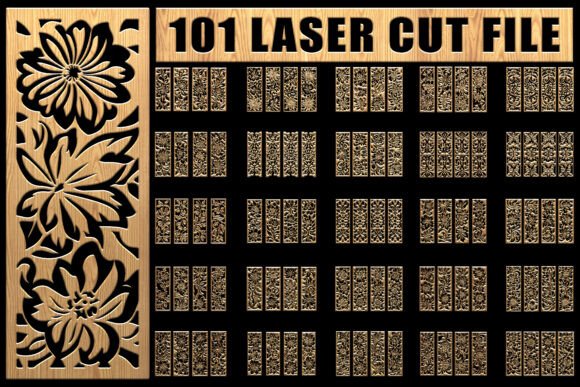
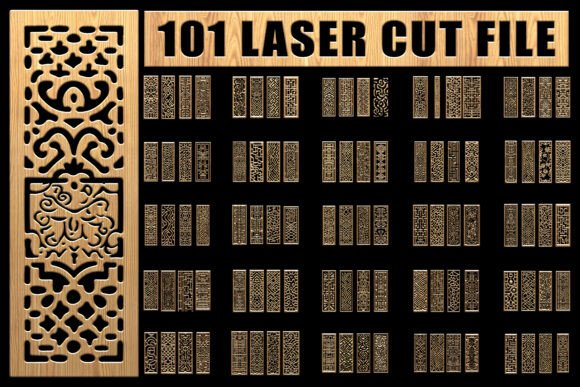
A Laser Cut Design Set offers a versatile collection of digital assets tailored for laser cutting, crafting, and design projects. With formats like EPS, SVG, PNG, and JPG included, this set supports a wide range of uses—from home décor to professional branding. Whether you're a hobbyist creating personalized gifts or a small business owner producing custom apparel, these design sets can streamline your workflow and elevate your output.
Common Mistakes When Choosing or Using Laser Cut Design Sets
Despite their usefulness, many users run into issues due to overlooked details or misunderstandings. Here are some of the most common pitfalls and how to avoid them:
1. Assuming All Design Sets Are Interchangeable
Not all Laser Cut Design Sets are created equal. Some may include only basic shapes or lack the resolution needed for detailed laser cutting. Others may not be compatible with certain cutting machines like Cricut or Silhouette.
Better approach: Always check the file formats included and verify compatibility with your specific equipment. Look for sets that offer both SVG and EPS files for maximum flexibility.
2. Overlooking File Resolution and Quality
Many users download a design set only to discover that the PNG or JPG files appear blurry when printed or scaled up. This is often due to low resolution or improper scaling.
Better approach: Ensure the design set includes high-resolution PNGs (at least 300 DPI) and vector-based EPS or SVG files, which maintain clarity at any size. This is especially important for signage, apparel, or large-format laser projects.
3. Ignoring Licensing Terms
Some users assume they can freely use purchased design sets for commercial purposes. However, many sets come with limited licenses that restrict resale or mass production.
Better approach: Read the license agreement carefully before purchasing. If you're using the Laser Cut Design Set for business branding, product creation, or resale, look for sets with extended commercial licenses.
4. Using the Wrong File Type for the Job
Using a JPG file for laser cutting may work for basic shapes, but it won’t provide the precision of a vector SVG or EPS file. This can lead to poor cut quality or wasted materials.
Better approach: Match the file type to the task. Use SVG or EPS for laser cutting and machine-based crafting. PNGs are best for digital overlays or transparent backgrounds in graphic design.
5. Underestimating Project Complexity
Beginners often assume that a Laser Cut Design Set will automatically work for any material. However, some designs may be too intricate for certain materials like thick wood or leather, leading to incomplete cuts or excessive charring.
Better approach: Test simple designs first, especially if you're new to laser cutting. Adjust power and speed settings based on the material, and consider simplifying complex patterns if needed.
What to Check Before Downloading or Buying a Laser Cut Design Set
- File formats included – Make sure SVG, EPS, PNG, and JPG are all available.
- License type – Confirm whether it's suitable for personal or commercial use.
- Design variety – Look for sets with a broad range of styles and themes to suit multiple projects.
- Compatibility – Ensure the files work with your software (like Adobe Illustrator) and cutting machines (such as Glowforge).
- Resolution and scalability – Vector files are essential for high-quality scaling.
How to Use a Laser Cut Design Set Effectively
Whether you're making vinyl stickers or engraving wood signs, the key to success lies in preparation and understanding your tools. Here are some practical tips:
- Start with a test cut on scrap material to check alignment and detail accuracy.
- Organize your files by project type to streamline future use.
- Customize designs in vector software to better suit your specific needs.
- Back up your files to avoid losing access due to expired downloads.
- Keep a style guide if using the set for branding, to ensure consistent visual identity.
Real-World Examples of Better Design Set Use
Example 1: A small business owner wanted to create custom wooden coasters. They initially downloaded a design set with only JPG files, which resulted in jagged laser cuts. After switching to a Laser Cut Design Set with SVG files, the cuts were clean and professional.
Example 2: A crafter tried using a design set for fabric stenciling but found the patterns too dense. By simplifying the vector design in Illustrator, they achieved better paint flow and clearer results.
Final Thoughts: Make Informed Choices for Better Results
A Laser Cut Design Set can be a powerful tool when used correctly. By avoiding common mistakes—like mismatched file types, overlooked licenses, and unrealistic expectations—you’ll save time, reduce material waste, and achieve higher-quality results. Always verify what’s included, test before committing to large projects, and tailor the designs to your specific needs. With the right approach, this versatile set becomes an essential part of your creative toolkit.